BattleMap
BattleMap lets players communicate quickly and easily during the game. Messages can be sent to everyone, to a specific player, or to a selected group of players (for example, without the game master). Links in messages are clickable, and image links are automatically displayed as previews.
By default, the chat includes a global channel where everyone can talk, as well as a direct message channel for private conversations between players. Additional channels can be created to organize discussions as needed.
Channels are displayed as tabs by default, but users can also create multiple tab groups to view two or more conversations at the same time. The chat also supports dice commands, allowing players to roll dice directly within the conversation.
Instant Messaging
Instant Messaging lets players communicate quickly and easily during the game. Messages can be sent to everyone, to a specific player, or to a selected group of players (for example, without the game master). Links in messages are clickable, and image links are automatically displayed as previews.
Channels are displayed as tabs by default, but users can also create multiple tab groups to view two or more conversations at the same time. The chat also supports dice commands, allowing players to roll dice directly within the conversation.
Mind maps
Mind maps provide a flexible way to organize and take notes during a role-playing game. Each node can be customized and connected to multiple other nodes, allowing complex relationships between characters, places, and events. Nodes can contain child nodes and may also be hidden to keep the map clear while focusing on relevant information.
Both node text and link labels can be edited at any time, making it easy to update notes as the story evolves. Images can also be added directly inside nodes using simple drag-and-drop. Nodes can be grouped inside packages to organize larger sections of the map, and each node can be assigned tags to help categorize and quickly find information.
Character sheets
Character sheets can be created to match the exact visual style of a role-playing game. By importing the original PDF sheet as a background image, it is possible to reproduce the official layout and then define interactive fields on top of it using the RCSE.
A character sheet can contain multiple pages. Within each page, you can add various elements such as text fields, sliders, images, web pages, value tables, text areas, and buttons to roll dice or trigger other actions. The sheet automatically adapts to the width of the window, and the zoom level can also be adjusted for better readability.
The sheet can also support automatic calculations through a formula system or directly with JavaScript code. Once the sheet is ready, it can be imported into the software and shared with players. Any changes made to the sheet are saved automatically.
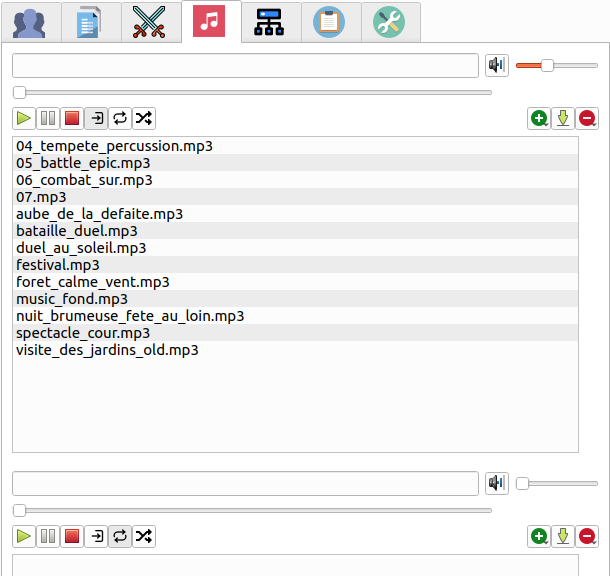
Music system
Music system with three independent players is included in Rolisteam, allowing you to manage different types of audio during a game session. For example, one player can be used for ambient music, another for sound effects, and a third for background tracks.
The players support standard playback modes such as shuffle, looping, and other common controls, making it easy to adapt the atmosphere of the game in real time.
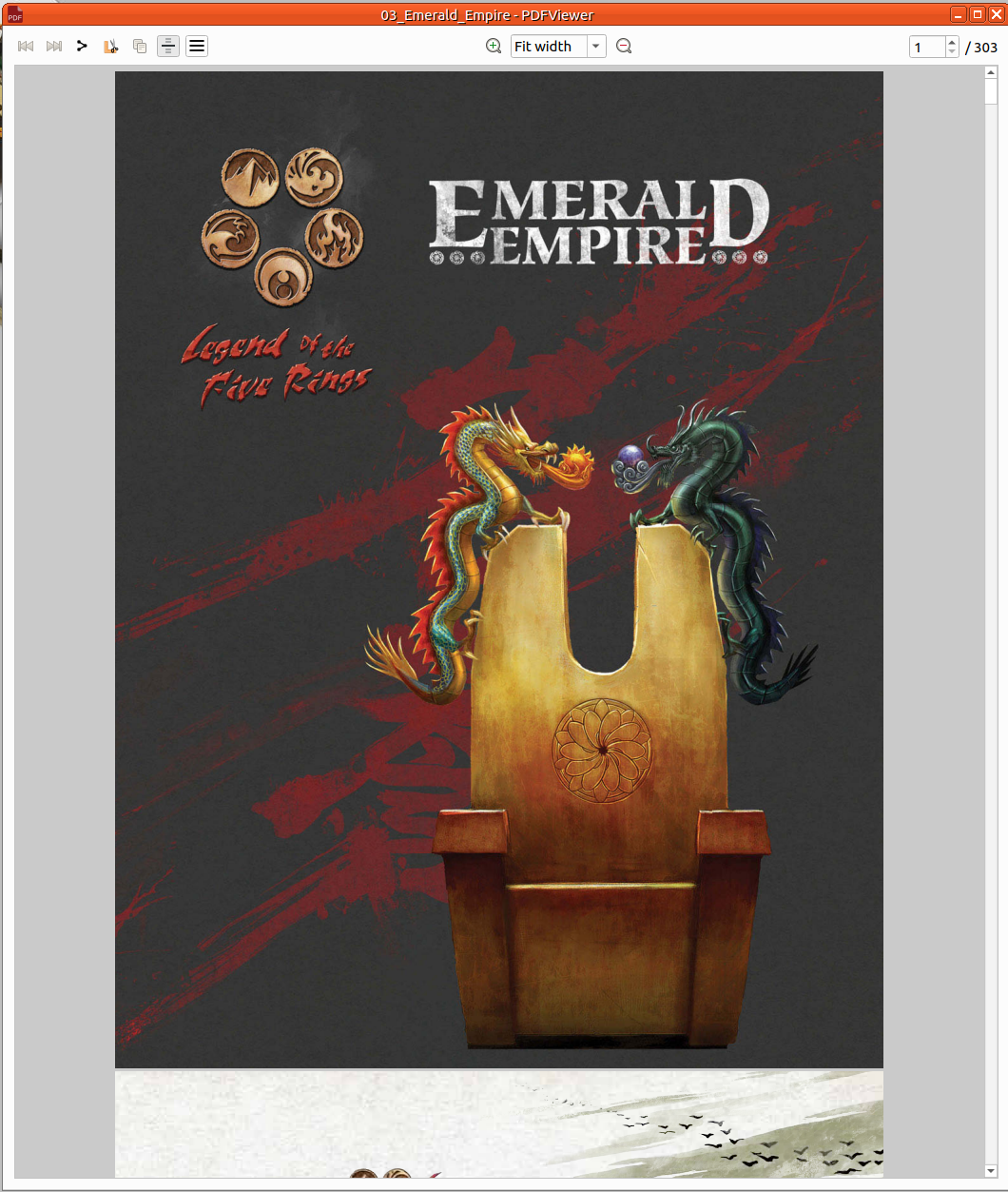
PDF Viewer
PDF Viewer
allows users to read and share PDF documents while easily extracting visual content.
In addition to the usual features of a PDF reader—such as zooming, fitting the page to the window width, and switching between page-by-page or continuous scrolling views—it includes a simple tool to crop any part of a page and copy it directly to the clipboard as an image.
The extracted image can then be quickly shared with other tabletop RPG players, placed on a game map, or added to a node in a mind map.
If needed, the entire PDF can also be shared. This makes the viewer a practical tool for quickly turning PDF content into reusable visual elements during collaborative sessions.
Dice 3D
Dice 3D
(technical preview) is dice track in 3D based on physical engine to roll dice.
Users can add dice to the track of any existing dice.
(d4,
d6,
d8,
d10,
d12,
d20,
d100)
Then, select dice from different ways (Mouse, zone or select all button).
Final step, roll them with the mouse.
Results are computed when the dice have stopped rotating. And the result is displayed inside the common chatroom.
DiceParser
DiceParser is Rolisteam's dice command system. You can run the exact same commands with the discord bot and Rolisteam.
It offers a simple syntax for simulating dice rolls. It also allows for complete customization of the results for more advanced use. Numerous options and operators can be used to perform calculations, making the game master's job easier.
A typical command might look like this:
!2d20kh1+5
In this example:
2d20:rolls two twenty-sided dicekh1:keeps the highest result+5:adds a bonus modifier
Free and Open Source
Rolisteam is a Free and Open Source software under the generous GNU General Public License v2.0. Enjoy!